
When it comes to modernizing or migrating a Business Intelligence platform, most people immediately think about transformation tools, new architectures, and strategies to cut delivery time and costs. But there’s one phase that determines the success or failure of the entire project: assessing the existing platform.
Surprisingly, this critical step is often underestimated, rushed, or carried out with inadequate tools. The result? Decisions based on incomplete data, hidden risks, and skyrocketing costs.
Assessment: the foundation for smart decisions
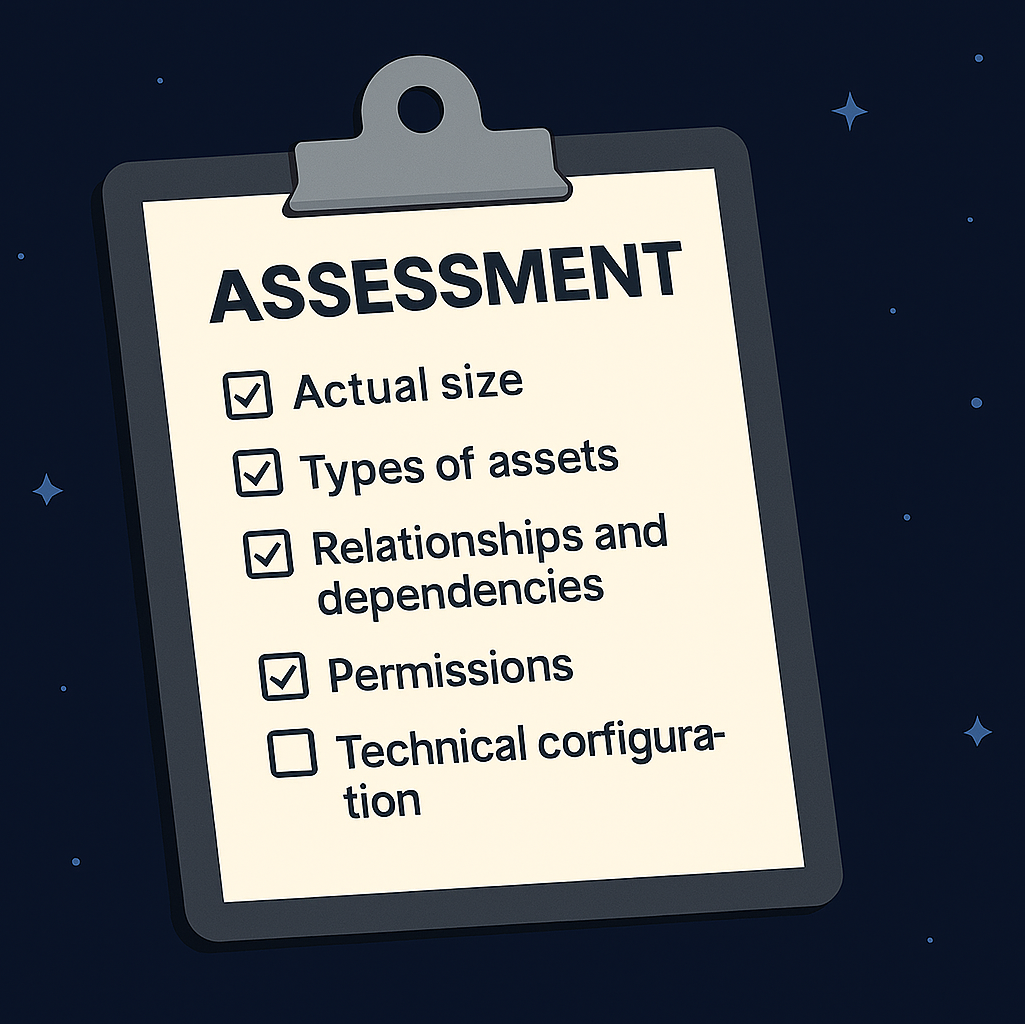
A proper assessment must answer one simple but vital question:
“What does my BI platform really contain?”
This isn’t just a rough list—it’s a complete and organized snapshot of your ecosystem: reports, universes, scheduled jobs, permissions, connections, dependencies. Only then can you understand where to act.
From this first answer comes the second strategic question:
“What’s the best decision to make?”
Assessment becomes the engine for all subsequent choices:
- Migrate, if the platform is too complex or costly to maintain;
- Replatform, if the foundation is solid but the infrastructure is outdated;
- Stay, if the environment is robust and optimized;
- Optimize, if there are redundancies and opportunities for rationalization.
The real (and risky) Case: SAP BO’s Black Hole
Imagine a multinational company using SAP BusinessObjects for 18 years. Over time, it has accumulated:
- 180,000 WebI reports, many based on deprecated universes.
- Cloned universes and undocumented versions: V2, V2bis, V3_final…
- Scheduled jobs on heterogeneous clusters, scripts pointing to removed directories.
- Layered security rules with inconsistent permissions.
- Obsolete ODBC/JDBC connections still active “because they work.”
When modernization time comes, the assessment is rushed and manual. The outcome?
- 50,000 hidden reports surface mid-project.
- Critical universes remain uncataloged, blocking workflows.
- Jobs fail because they rely on phantom servers.
- Project duration triples (from 6 to 20 months).
- Costs explode.
Without a deep assessment, SAP BO becomes a black hole sucking time, budget, and resources.
How to avoid it: Automatic assessment with Databreeze
This is where Databreeze steps in. It doesn’t change how you work—it changes what you can see.
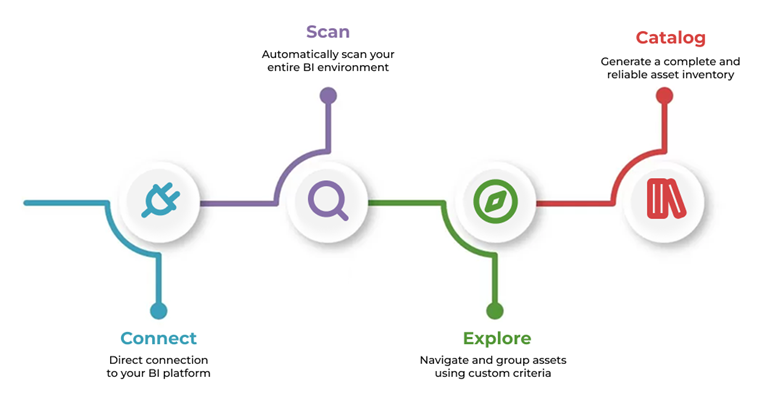
What Databreeze does:
- Connect – Instantly connects to your BI platform without complex configurations;
- Scan – Automatically scans reports, universes, jobs, permissions, deprecated objects;
- Explore – Lets you navigate assets intelligently, filter, group, and visualize dependencies;
- Catalog – Creates a reliable inventory, organized and ready to guide migrations or optimizations.
No guesswork. No manual digging. Just complete, automated insights.
With Databreeze:
- You know what’s critical and what’s redundant.
- You eliminate hidden risks and unseen objects.
- You decide faster whether to migrate, optimize, or stay.
Assessment is no longer a weak point—it becomes the solid foundation for smart decisions.